





Accessibility is an increasingly important factor in digital communication. For companies, this means ensuring their content is accessible to everyone – regardless of any limitations. Explainer videos play a crucial role here, offering a great way to convey complex topics simply and clearly. But only if these videos are designed to be accessible can all target groups truly be reached. In this article, you will learn how accessible explainer videos can be designed and why accessibility is so important in the digital age.
1. Subtitles and audio descriptions for better accessibility
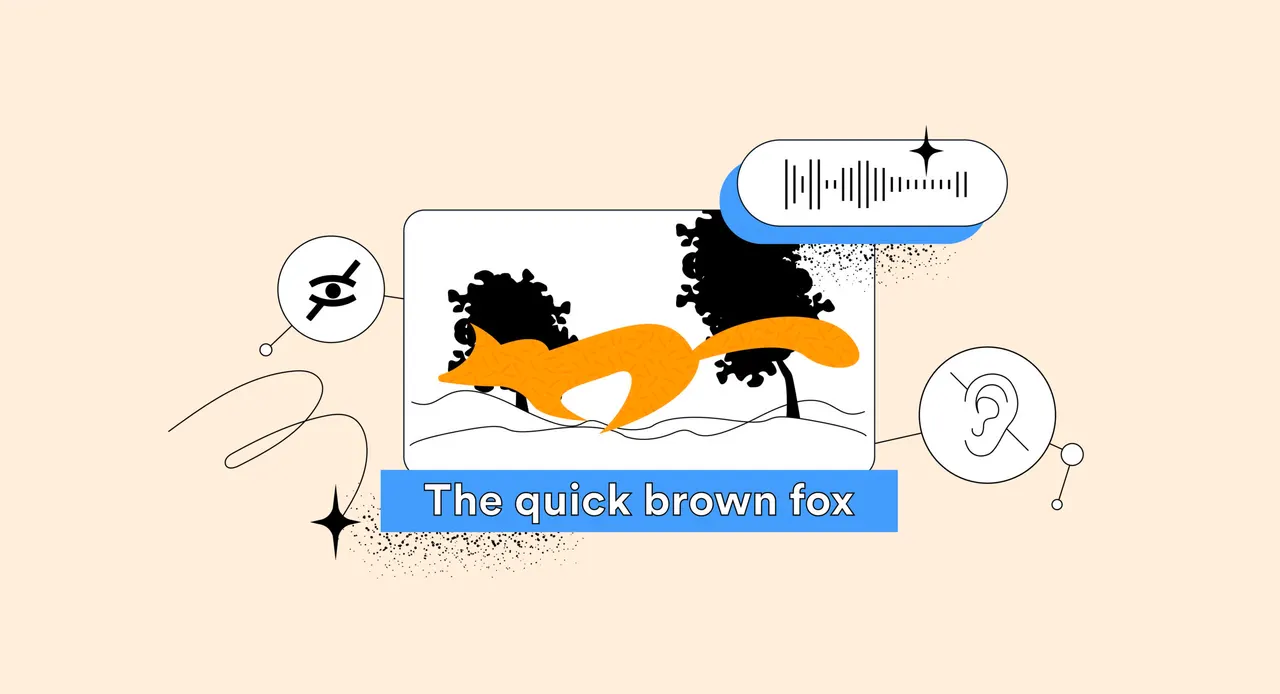
Subtitles are one of the most important aspects of video accessibility. They enable people with hearing impairments to fully understand a video's content. Similarly, audio descriptions should be added to help people with visual impairments grasp visual information. Detailed descriptions of important visual elements ensure all viewers can fully understand the video's meaning.
2. Use clear and simple language
Accessibility means not only considering physical limitations but also breaking down cognitive barriers. Therefore, it is important to use clear and simple language. Explainer videos should be designed to be understandable for everyone – regardless of educational background. By using simple language and understandable examples, the video can reach a broader audience .
3. Contrasts and visual design
Visual design plays a big role in making explainer videos accessible. High contrasts ensure that content is easily recognisable even for people with visual impairments. Colours that stand out strongly from each other should be used, and all important information should be recognisable even without colours. This increases accessibility and ensures no one is excluded.
4. Make interactive elements accessible
Many modern explainer videos include interactive elements such as click options or quizzes. For these elements to be accessible, they should be operable via keyboard and provide clear, descriptive instructions. Interactive explainer videos should be designed so that people with motor or sensory impairments can participate without difficulty.

5. Testing for accessibility
An important step in creating accessible explainer videos is testing. Companies should have their videos tested by people with various impairments to ensure they are truly accessible. Feedback from real users helps identify and eliminate potential barriers before the video is published.
Conclusion
Accessibility is a must in modern digital communication. Explainer videos offer a great way to convey complex content – but only if they are accessible to everyone. By using subtitles, audio descriptions, simple language, and accessible design, companies can ensure no one is excluded. If you also want to make your explainer videos accessible, we are happy to help youdevelop and implement the right solutions.